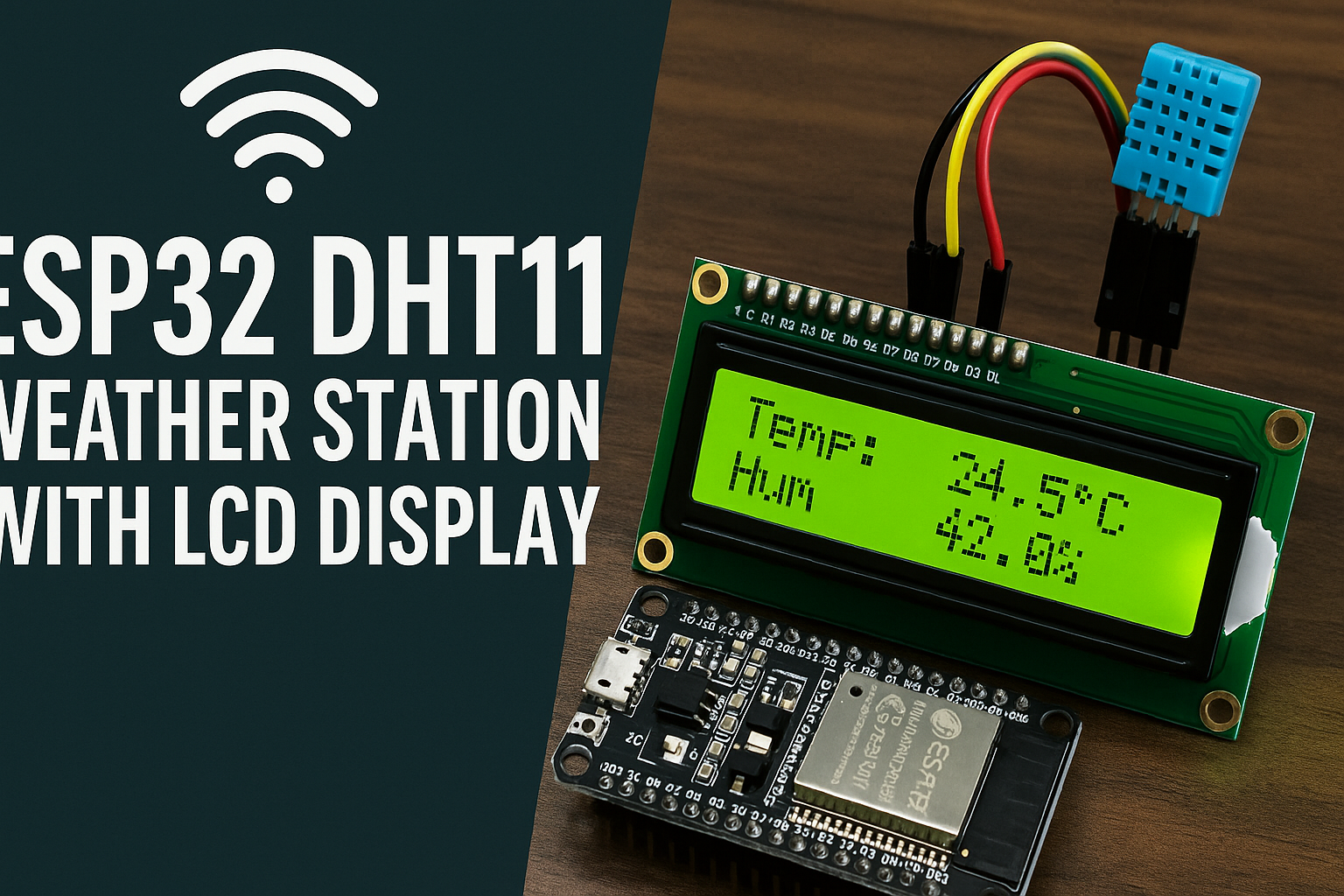
Want a compact weather station that shows real-time temperature and humidity on both a web dashboard and an LCD screen?
This quick project uses the ESP32, a DHT11 sensor, and a 16x2 I²C LCD to create a mini smart climate monitor that you can check from anywhere on your network.
🧩 What You’ll Need

⚙️ Wiring Diagram

💡 Tip: Run an I²C scanner first—your LCD address should show as 0x27.🧠 Required Libraries
Install these through Arduino IDE → Sketch → Include Library → Manage Libraries…
DHT sensor libraryby AdafruitAdafruit Unified SensorLiquidCrystal I2C(Rickman or Frank de Brabander version works)ESPAsyncWebServerandAsyncTCP(download from GitHub)
💻 The Code
Paste the following into Arduino IDE and upload:
The sketch:
/*********
ESP32 DHT11 Web Server + LCD Display (Stable Build)
Adapted by General Lee
https://radblok.co.za
*********/
#include "WiFi.h"
#include "ESPAsyncWebServer.h"
#include <Adafruit_Sensor.h>
#include <DHT.h>
#include <Wire.h>
#include <LiquidCrystal_I2C.h>
const char* ssid = "YOUR_WIFI_NAME";
const char* password = "YOUR_WIFI_PASSWORD"
#define DHTPIN 27
#define DHTTYPE DHT11
DHT dht(DHTPIN, DHTTYPE);
LiquidCrystal_I2C lcd(0x27, 16, 2);
AsyncWebServer server(80);
String readDHTTemperature() {
float t = dht.readTemperature();
if (isnan(t)) {
Serial.println("⚠️ DHT temp read failed");
lcd.setCursor(0, 0);
lcd.print("Temp: ERR ");
return "--";
}
Serial.printf("🌡️ Temp: %.1f°C\n", t);
lcd.setCursor(0, 0);
lcd.print("Temp:");
lcd.print(t, 1);
lcd.print((char)223);
lcd.print("C ");
return String(t, 1);
}
String readDHTHumidity() {
float h = dht.readHumidity();
if (isnan(h)) {
Serial.println("⚠️ DHT humidity read failed");
lcd.setCursor(0, 1);
lcd.print("Hum: ERR ");
return "--";
}
Serial.printf("💧 Hum: %.1f%%\n", h);
lcd.setCursor(0, 1);
lcd.print("Hum:");
lcd.print(h, 1);
lcd.print("% ");
return String(h, 1);
}
const char index_html[] PROGMEM = R"rawliteral(
<!DOCTYPE HTML><html><head>
<meta name="viewport" content="width=device-width, initial-scale=1">
<link rel="stylesheet" href="https://use.fontawesome.com/releases/v5.7.2/css/all.css">
<style>
html { font-family: Arial; text-align:center; margin:0 auto; }
h2 { font-size:3rem; } p { font-size:3rem; }
.units { font-size:1.2rem; } .dht-labels{font-size:1.5rem;padding-bottom:15px;}
</style></head>
<body>
<h2>ESP32 DHT11 Web Server</h2>
<p><i class="fas fa-thermometer-half" style="color:#059e8a;"></i>
<span class="dht-labels">Temperature</span>
<span id="temperature">%TEMPERATURE%</span><sup class="units">°C</sup></p>
<p><i class="fas fa-tint" style="color:#00add6;"></i>
<span class="dht-labels">Humidity</span>
<span id="humidity">%HUMIDITY%</span><sup class="units">%</sup></p>
<script>
setInterval(()=>{fetch('/temperature').then(r=>r.text())
.then(t=>document.getElementById('temperature').innerHTML=t)},10000);
setInterval(()=>{fetch('/humidity').then(r=>r.text())
.then(h=>document.getElementById('humidity').innerHTML=h)},10000);
</script></body></html>
)rawliteral";
String processor(const String& var){
if (var == "TEMPERATURE") return readDHTTemperature();
else if (var == "HUMIDITY") return readDHTHumidity();
return String();
}
void setup() {
Serial.begin(115200);
delay(300); // allow serial start
// Initialize I2C
Wire.begin(21, 22);
delay(500); // let the I2C bus settle
lcd.init();
lcd.backlight();
lcd.clear();
lcd.print("Booting...");
// Start DHT
dht.begin();
delay(1000); // DHT sensor stabilization
// Connect to Wi-Fi
Serial.println("Connecting WiFi...");
lcd.clear();
lcd.print("WiFi connecting");
WiFi.begin(ssid, password);
unsigned long startAttempt = millis();
while (WiFi.status() != WL_CONNECTED && millis() - startAttempt < 20000) {
delay(500);
Serial.print(".");
}
if (WiFi.status() == WL_CONNECTED) {
Serial.printf("\n✅ WiFi connected! IP: %s\n", WiFi.localIP().toString().c_str());
lcd.clear();
lcd.print("WiFi Connected");
lcd.setCursor(0, 1);
lcd.print(WiFi.localIP().toString());
delay(2500);
} else {
Serial.println("\n⚠️ WiFi failed!");
lcd.clear();
lcd.print("WiFi Failed");
delay(2000);
}
lcd.clear();
lcd.print("Starting server");
// Web routes
server.on("/", HTTP_GET, [](AsyncWebServerRequest *req){
req->send_P(200, "text/html", index_html, processor);
});
server.on("/temperature", HTTP_GET, [](AsyncWebServerRequest *req){
req->send_P(200, "text/plain", readDHTTemperature().c_str());
});
server.on("/humidity", HTTP_GET, [](AsyncWebServerRequest *req){
req->send_P(200, "text/plain", readDHTHumidity().c_str());
});
server.begin();
lcd.clear();
lcd.print("Server Online");
delay(1500);
lcd.clear();
}
void loop() {
static unsigned long lastUpdate = 0;
if (millis() - lastUpdate >= 5000) {
lastUpdate = millis();
readDHTTemperature();
readDHTHumidity();
}
}
- Connects the ESP32 to your Wi-Fi
- Reads temperature & humidity every 5 seconds
- Displays results on both the LCD and a simple web page
🌍 Accessing the Web Dashboard
- Open Serial Monitor → look for the printed IP Address.
- Enter that IP in any browser on the same Wi-Fi.
- You’ll see a clean dashboard updating every 10 seconds.
📺 LCD Output
Your 16×2 display continuously shows:
Temp: 24.5°C
Hum:  42.0%
If the DHT11 fails, it automatically shows ERR instead of freezing.
🧠 How It Works
- ESPAsyncWebServer runs an asynchronous HTTP server—no blocking loops.
- The DHT11 provides data every 2 seconds (it’s a slow sensor).
- LiquidCrystal_I2C prints the readings locally.
- A simple AJAX fetch() updates the webpage without reloading.
🧰 Troubleshooting

🚀 Next Up
- Add Dew Point calculation for extra climate insight.
- Push readings to a cloud dashboard (ThingSpeak / InfluxDB).
- Replace DHT11 with BME280 for pressure + accuracy boost.
💬 Final Words
You’ve just built a self-contained ESP32 weather station—cheap, reliable, and connected.
Open your browser, check your LCD, and you’ve got live climate data running from your own network.
“Code is art, sensors are paint—go build something that breathes.”